The Auto-Scaling Cookbook
Pattern: Aggregation & Context Scaling
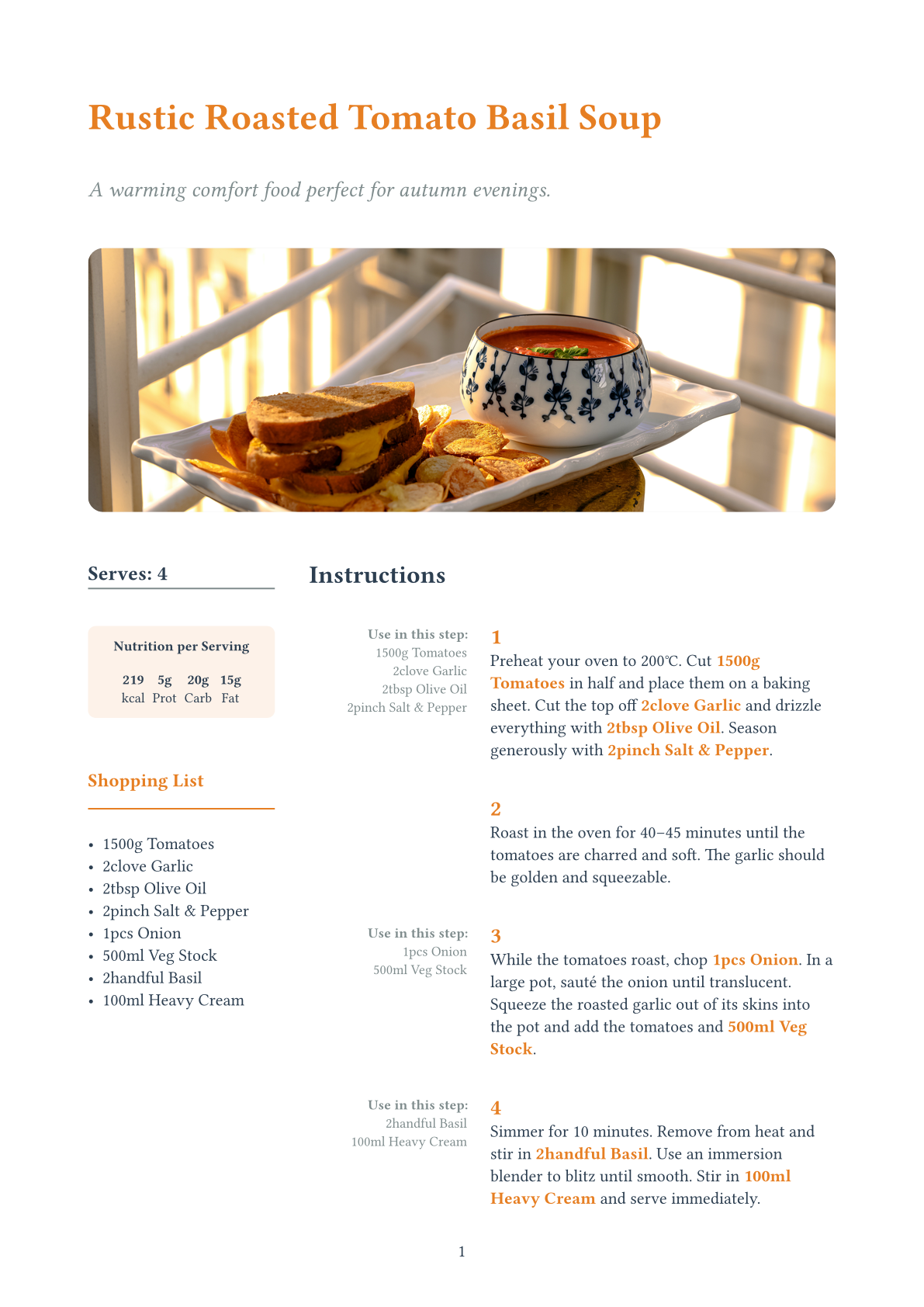
This showcase demonstrates how Loom can turn a standard text document into a smart application. We will build a recipe template where ingredients are defined inline within the instructions, but automatically generate a Shopping List and Nutrition Table at the top of the page.
Furthermore, we will add a Scaling Feature: The user writes the recipe for 2 people, but if they compile with serves: 4, all amounts (and nutrition values) automatically double.
The Challenge
In standard Typst, this is hard because:
- Linearity: The "Shopping List" appears before the ingredients are listed in the text.
- Scattered Data: Ingredients are hidden inside paragraphs ("Cut the onions...").
- Math: Scaling "2 onions" to "4 onions" requires state management that is brittle in standard Typst.
The Loom Solution
We use three Loom patterns working in harmony:
- Provider (Context): The
recipewrapper calculates ascale-factor(e.g.,Target / Base) and injects it into the Scope. - Smart Components (Ingredients): The
ingcomponent reads the scale factor, multiplies its amount, and renders the new value (e.g., "4 onions"). It also emits a signal with its nutrition data. - Aggregator (Root): The
recipecollects these signals to build the lists.
1. The User Experience (API)
First, look at how clean the user's code is. They just write a story.
// my-recipe.typ
#import "recipe-lib.typ": recipe, step
#import "ing.typ"

// We write for 2, but serve 4. Loom handles the math.
#show: recipe.with(
  title: "Rustic Roasted Tomato Basil Soup",
  serves: 4,
  base: 2
)

#step(1)[
  Preheat your oven to 200°C.
  Cut #ing.tomato(750) in half and place them on a baking sheet.
  Drizzle with #ing.oil(1) and season with #ing.salt_pep(1).
]

#step(3)[
  While roasting, chop #ing.onion(0.5).
  Sauté until translucent, then add #ing.stock(250).
]
2. The Ingredient (The Data Source)
The ingredient component is the workhorse. It does two things:
- Scales the visible amount.
- Signals the raw data (normalized) to the parent.
// recipe-lib.typ
#let ing(name, amount, unit: "", kcal: 0, ..) = managed-motif(
  "ing",
  measure: (ctx, _) => {
    // 1. READ CONTEXT (Provider Pattern)
    let factor = ctx.at("scale-factor", default: 1.0)
    let final-amount = amount * factor

    // 2. EMIT SIGNAL (Aggregator Pattern)
    let signal = (
      kind: "ing",
      name: name,
      amount: final-amount,
      unit: unit,
      kcal: kcal * factor
    )

    // 3. PREPARE VIEW
    (signal,)*2
  },
  draw: (ctx, public, view, _) => {
    // Render the scaled text (e.g., "1500g")
    text(fill: orange)[#view.amount#view.unit #name]
  },
  none
)
3. The Step (Intermediate Aggregation)
This is a cool detail: The step component aggregates ingredients locally to show a "Use in this step" side-note.
#let step(number, body) = managed-motif(
  "step",
  measure: (ctx, children) => {
    // Filter only the ingredients inside THIS step
    let local-ings = loom.query.select-signals(children, "ing")

    // Pass them to the view (but also bubble them up!)
    (local-ings,)*2
  },
  draw: (ctx, public, view, body) => {
    grid(
      columns: (30%, 1fr),
      align(right)[
        // Sidebar: "Use in this step"
        #for i in view.local-ings [ #i.amount #i.name \ ]
      ],
      body
    )
  },
  body
)
4. The Recipe (Global Aggregation)
Finally, the root component gathers everything to build the Shopping List.
#let recipe-motif(serves, base, body) = managed-motif(
  "recipe",
  // 1. INJECT SCALING FACTOR
  scope: (ctx) => loom.mutator.batch(ctx, {
    import loom.mutator: *
    put("scale-factor", serves / base)
  }),

  measure: (ctx, children) => {
    // 2. DEEP SEARCH
    // We collect 'step' signals, which contain arrays of 'ing' signals.
    // We flatten them to get a master list of all ingredients.
    let all-ingredients = loom.query.collect-signals(children, kind: "ing")

    // 3. AGGREGATE (Shopping List)
    let shopping-list = (:)
    for item in all-ingredients {
      let key = item.name
      let current = shopping-list.at(key, default: 0)
      shopping-list.insert(key, current + item.amount)
    }

    // 4. AGGREGATE (Nutrition)
    let total-kcal = all-ingredients.map(i => i.kcal).sum()

    (none, (shopping: shopping-list, kcal: total-kcal))
  },

  draw: (ctx, public, view, body) => {
    // Render the Shopping List & Nutrition Table...
    // ...then render the body (instructions)
    render-header(view.shopping)
    body
  },
  body
)
Key Takeaways
- Zero-Boilerplate for Users: The writer doesn't worry about data structures. They just write.
- Reactive Scaling: Changing one number (
serves: 8) propagates through the entire Context -> Measure -> Draw pipeline automatically. - Hybrid Aggregation: We used signals at two levels: locally for the Step sidebar, and globally for the Recipe shopping list.